Mainframe Tutorial
 JCL Tutorial
 Introduction
 Mainframe Tips & Tricks
 Mainframe Interview Q&A
 Troubleshooting
 Mainframe Quiz
 Mainframe Online Tests
 Mainframe Jokes/Memes
 Mainframe Tools
 Contact us
 About us
ISPF Tips & Tricks
 Backward

Sort members by Changed date and FILTER the member list
Here we are going to introduce you to Two interesting tricks. Most of the time we want members of our PDS to be sorted based on some field, so in situation we issue SORT command example “SORT CHNAGED”. On issuing this command members of our PDS gets Sorted based on the date they were changed.
The shortcut method to do same is to put your cursor on Changed header and then press enter this too can sort all members based on the date they were changed
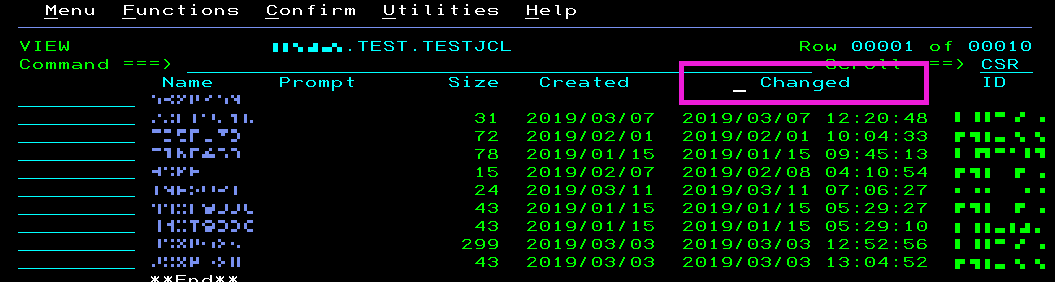
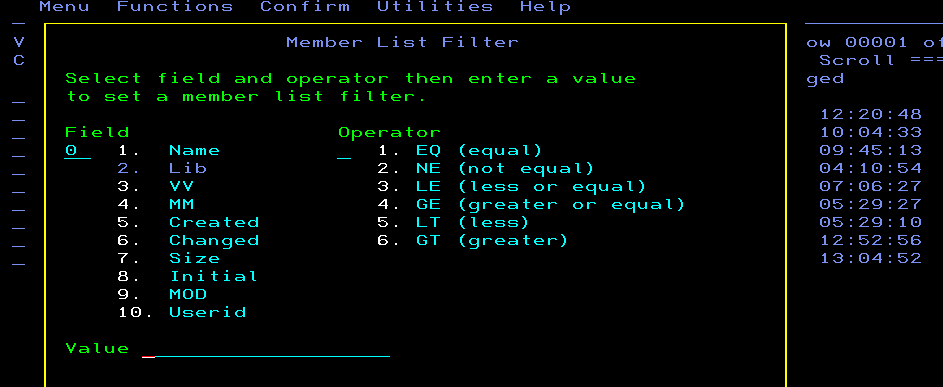
Similarly there exist FILTER command to filter members of our choice. In above screen you (after performing View on PDS) can issue “FILTER” command which will bring below popup where in you can provide your customizable inputs to filter member list